 OBS Plugin
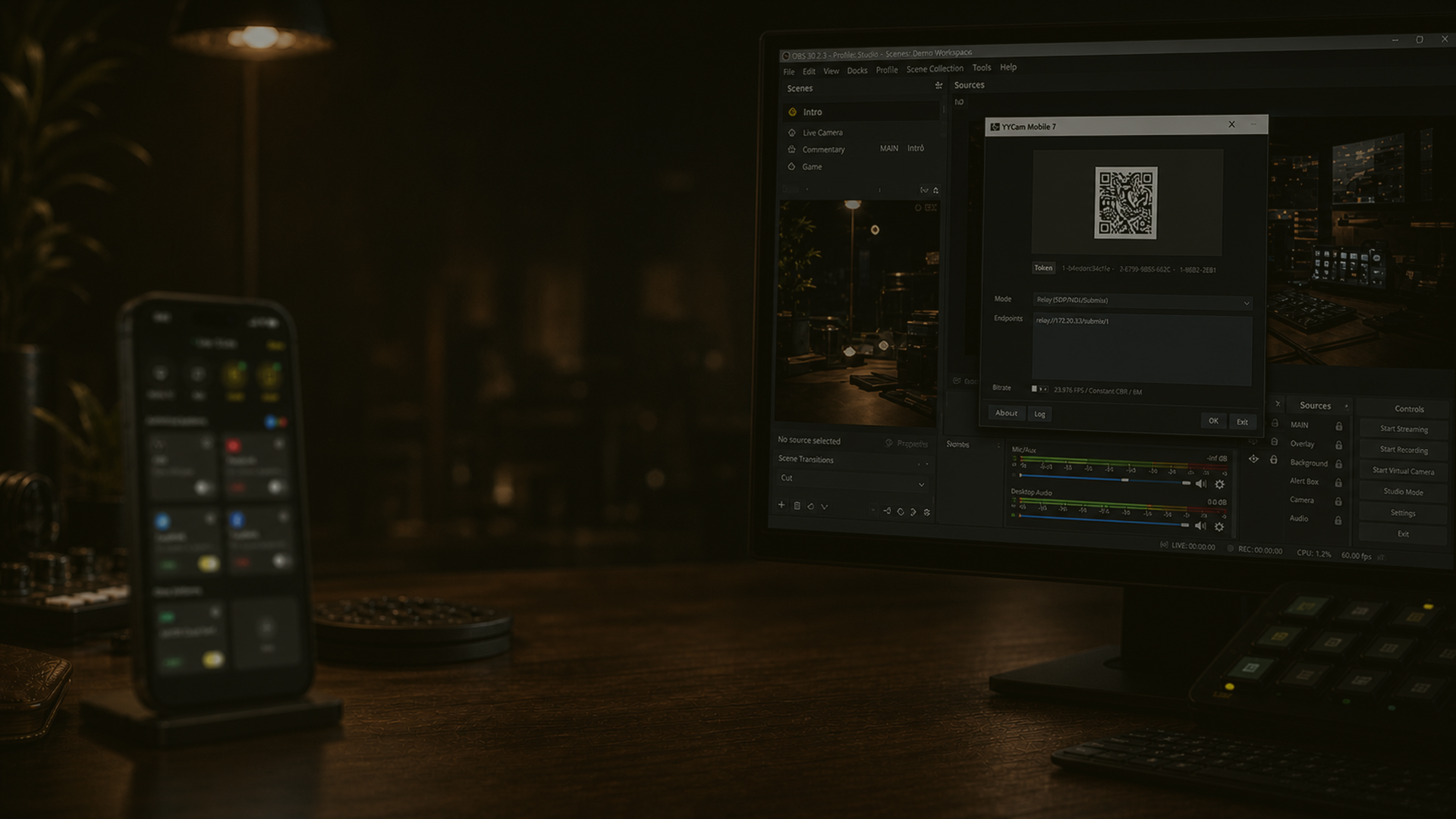
Close OBS first, then install the YYCam plugin. Reopen OBS after installation and click the plus sign in Sources to find YYCam Mobile.
 +
+
Install the YYCam plugin and scan to connect to OBS Studio. Add more fun to your stream with alerts, enhanced visuals, audience chat, and your favorite tools. Download the plugin and get started.
v1.0.0 · OBS 30.0+ · Windows
Ready to bring your phone camera into OBS?
Scan to connect, then go live.
Frequently asked questions
If you cannot connect, first check that the plugin is installed, OBS has been restarted, and your phone and computer are on the same network
Add a YYCam Mobile Source in OBS. The QR code appears in the Source settings. If it does not, remove the Source and add it again.
Make sure your phone and computer are on the same Wi-Fi or local network. Open YYCam Pro’s RTMP page, select the OBS card, and scan again.
Make sure connection is enabled on your phone, the correct YYCam Mobile Source is selected in OBS, and the Source is visible.